 TV Prompter
Your notes,
on the TV in front of you.
Paste your notes from your phone or laptop, and your TV scrolls them as slowly as you like while you keep an eye on them.
Free & open source · Android TV and Google TV, Android 8.0 or later · Installed by sideloading (not on the Play Store)
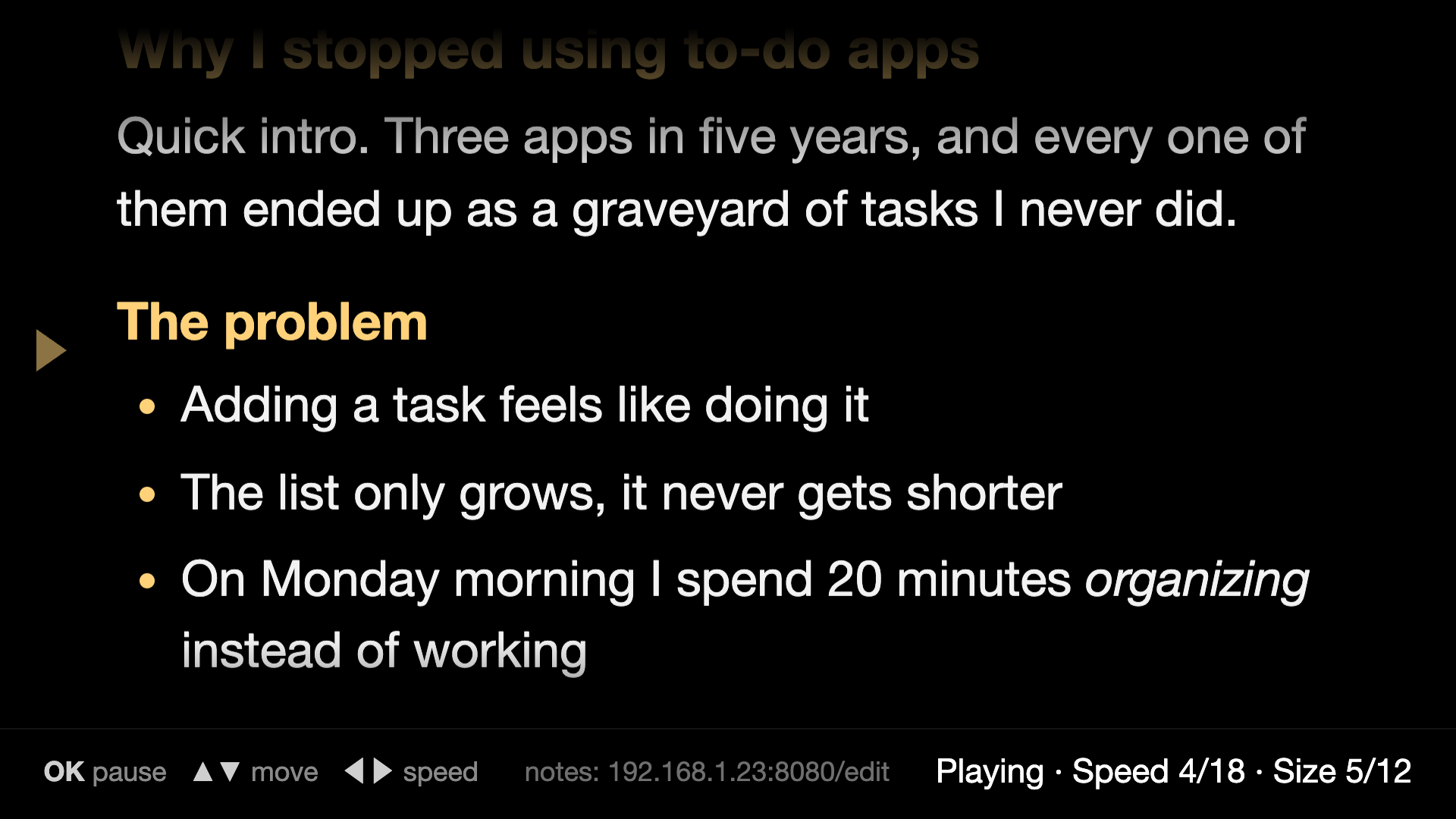
Made for reading, not for fiddling
Edit from anywhere at home
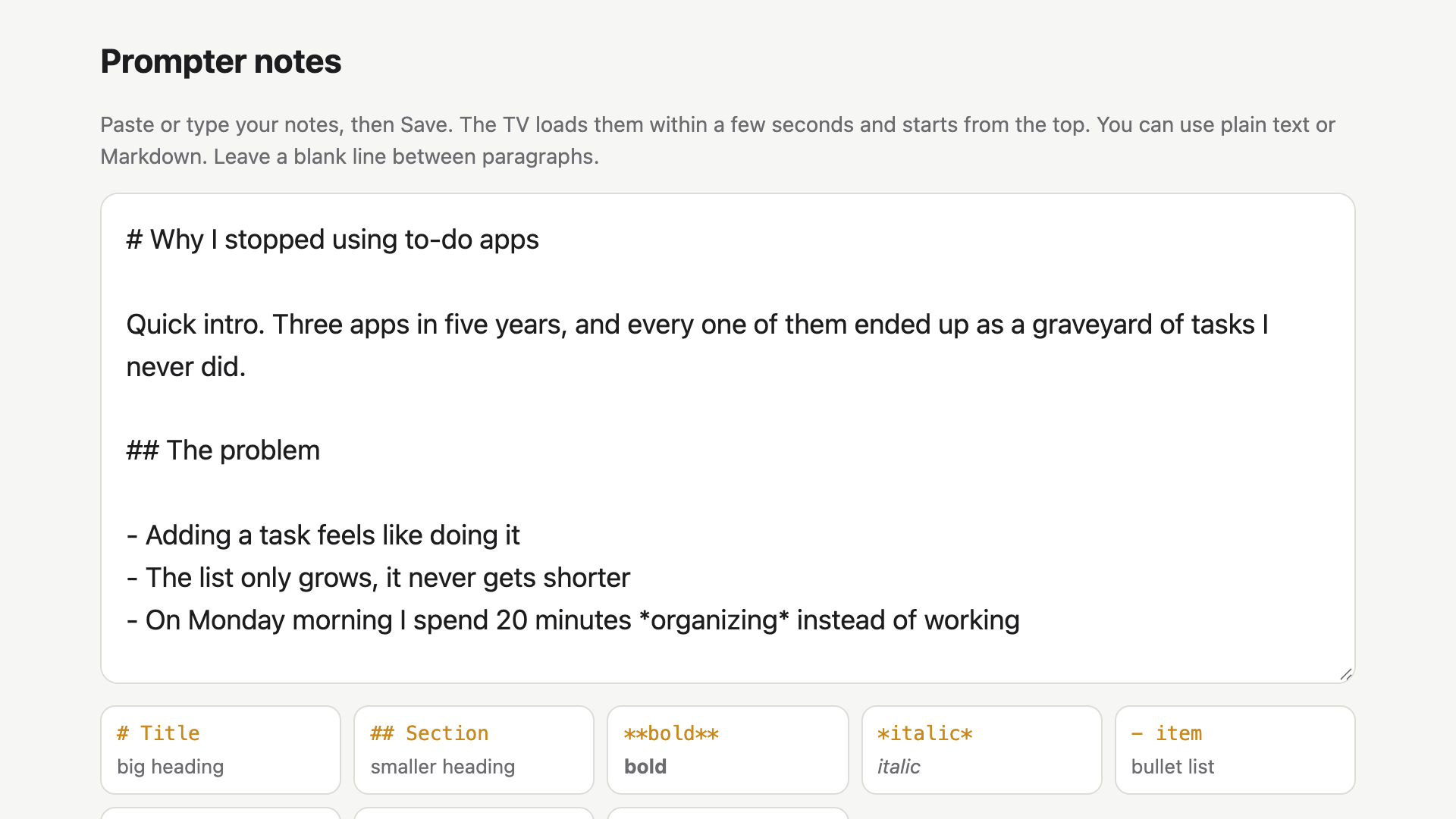
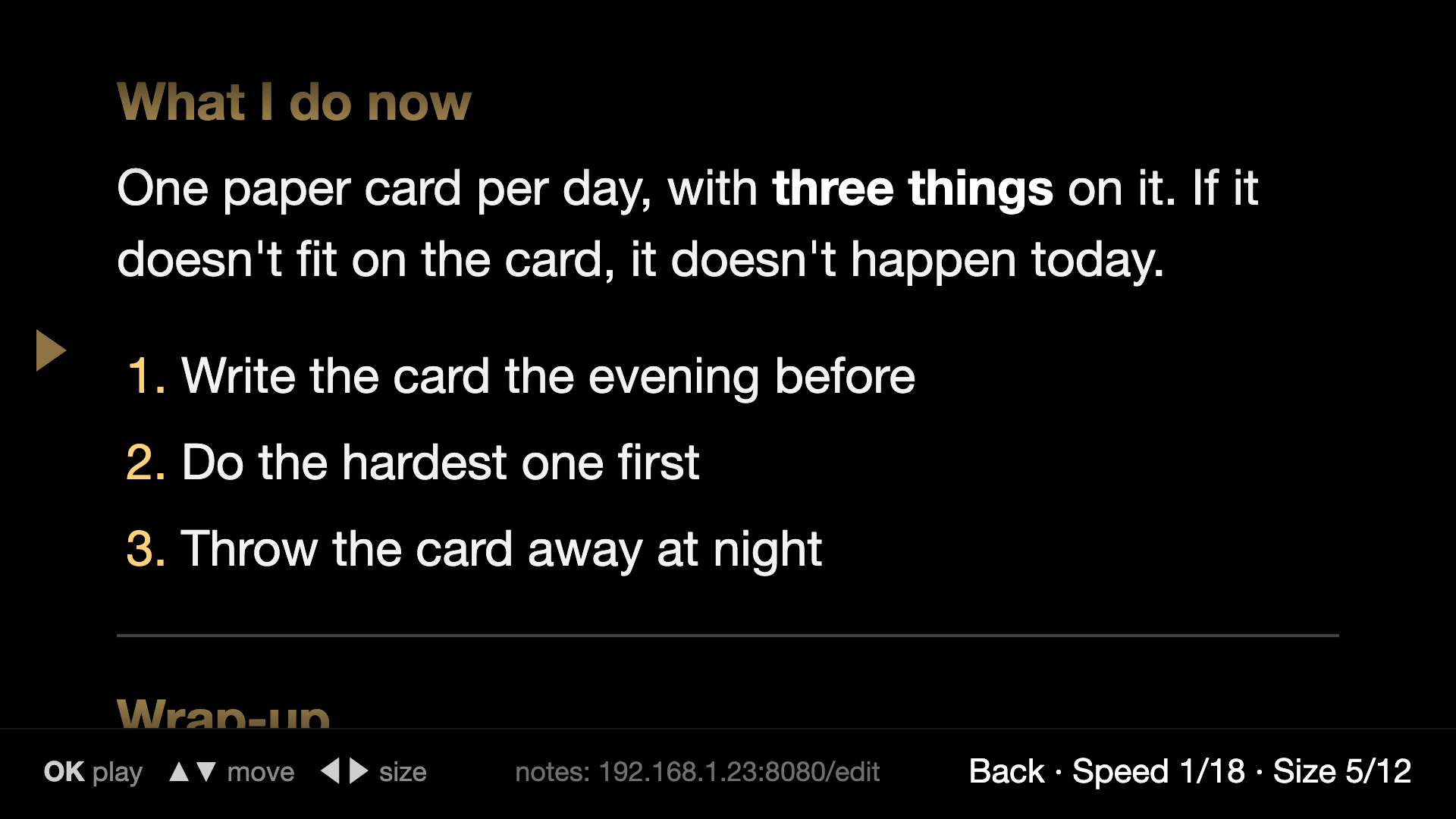
While the app is open, the TV shows a short address at the bottom of the screen when you open it and whenever you press a button. Open it on your phone or laptop, paste your notes and press Save, and a few seconds later they're on the TV, starting from the top.
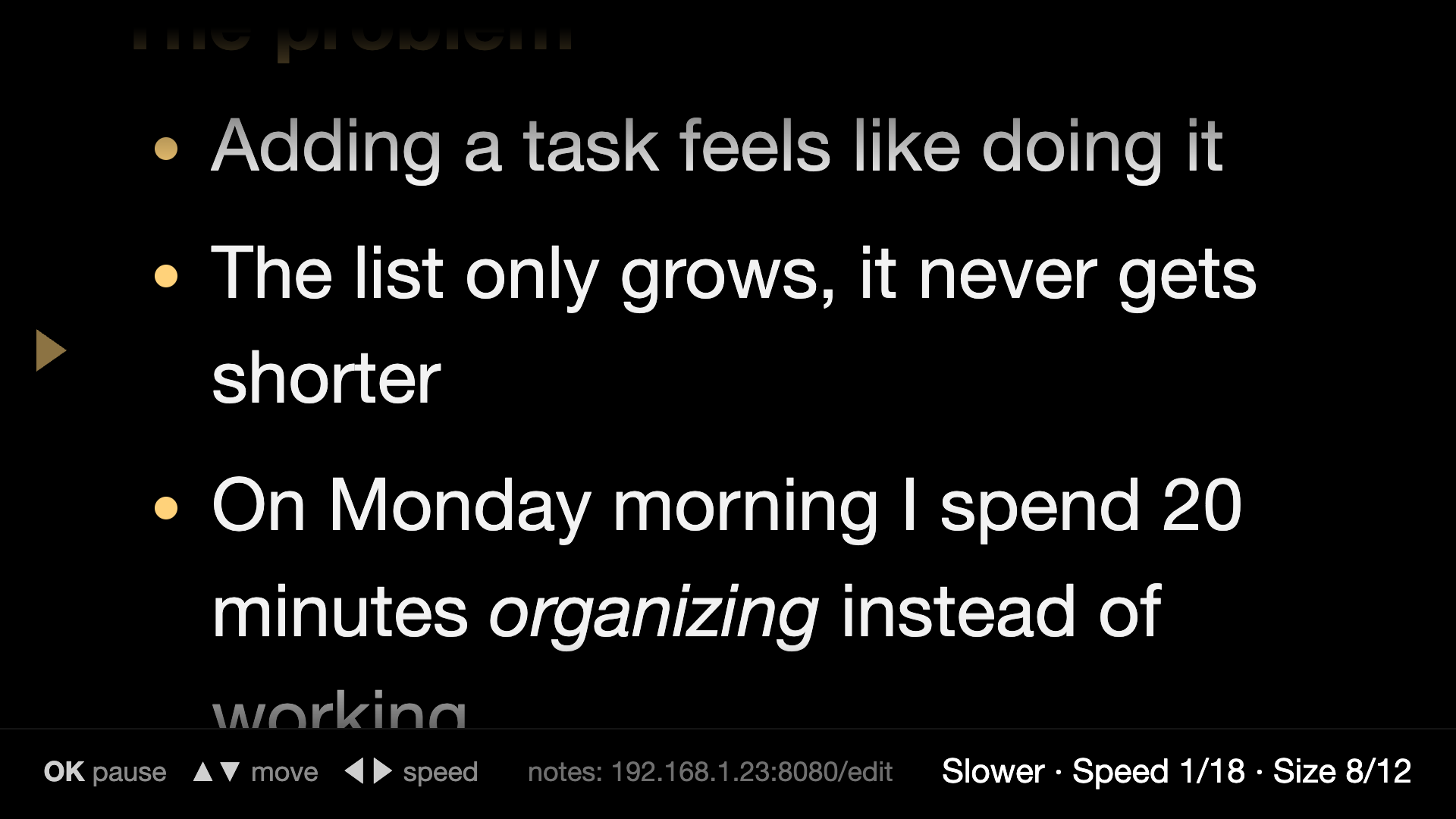
Slow means slow
There are 18 speeds, and the slowest one barely moves. You also get 12 text sizes, so you can read it from the couch or from your desk.
Find your place
The arrows move you back and forward in the text, while it's playing or paused, and the app remembers where you were.
Kind to OLED screens
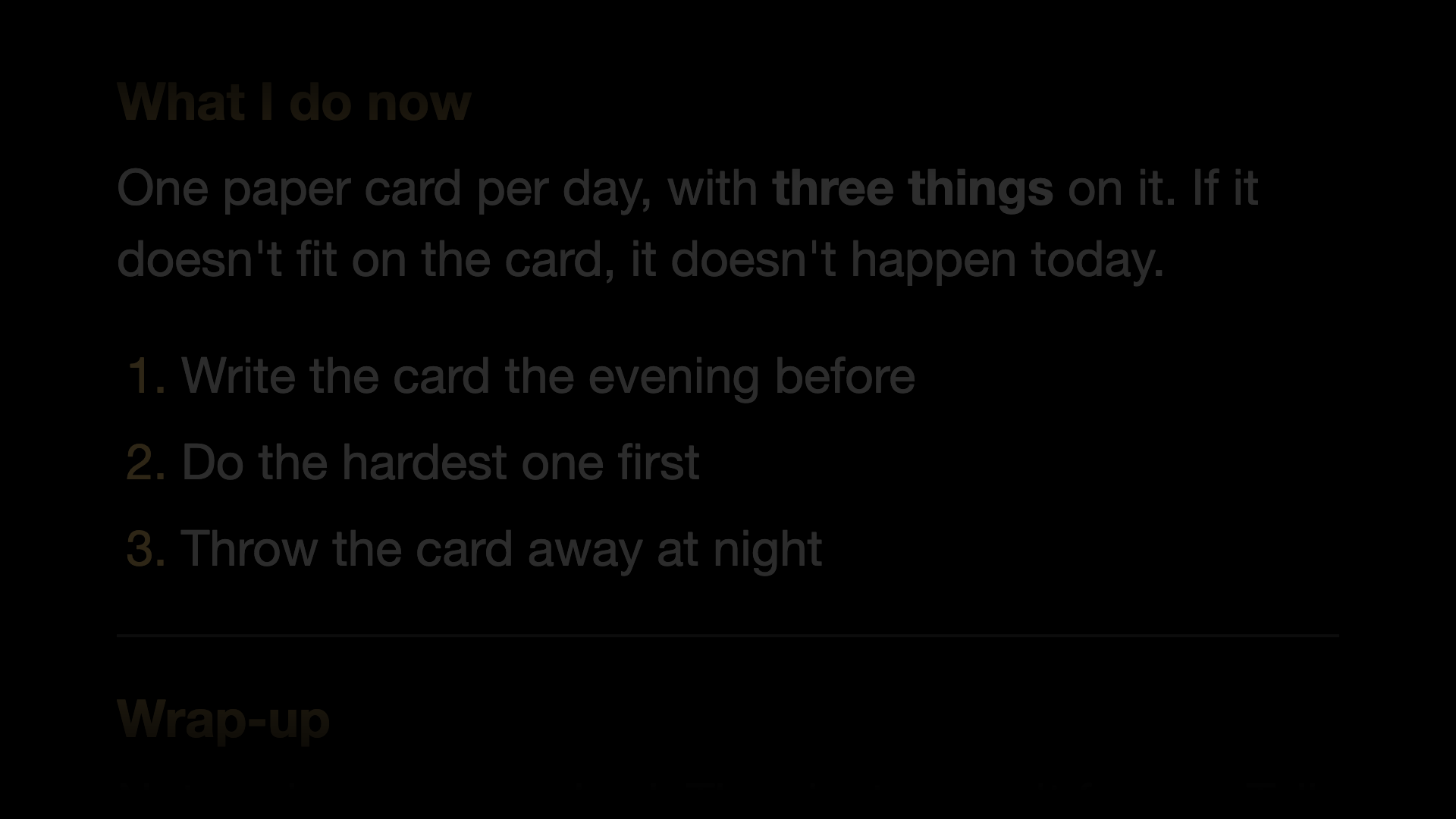
The marker fades away when you don't need it, paused text dims, the TV can go to its screensaver after a long pause, and the whole screen drifts a few pixels every minute so nothing burns in.
🏠 Stays at home
Your notes live on your TV and your home network, with no account, no cloud and no analytics.
📺 Works with the remote you have
OK plays and pauses, the arrows do the rest. There's nothing to learn.
✍️ Markdown-friendly
Paste plain text or Markdown. Headings, bold, italic, lists and quotes all show up nicely on the TV.
🔓 Open source
The whole app is on GitHub under the MIT license, so you can read it, change it or build it yourself.
Markdown cheat sheet
Paste plain text or Markdown. A blank line starts a new paragraph.
| Type | You get |
|---|---|
# Title | a big yellow heading |
## Section / ### Smaller | smaller headings |
**bold** | bold |
*italic* | italic |
- item | a bullet list |
1. item | a numbered list |
> quote | a quote |
--- | a divider line |
Install in about 5 minutes
TV Prompter isn't on the Play Store, and it isn't signed by a registered developer, so you install it yourself (that's called sideloading). Your TV may warn you about an unknown source, which is expected.
- Turn on developer mode. Settings → System → About, then press OK on Build 7 times.
- Allow installs. Turn on USB debugging in Developer options, or allow a sideloading app like Downloader under Unknown sources.
- Install the APK.
adb connect <tv-ip>thenadb install Prompter.apk, or open the APK with your sideloading app. - Open it and paste. Open TV Prompter from your home screen. It shows its edit address at the bottom, so open that on your phone or laptop and paste your notes.
When you're done, turn USB debugging off again so your TV isn't left open on your network.
Questions
Which TVs does it work on?
Android TV and Google TV on Android 8.0 or later, like Sony, Philips, TCL, Hisense or a Chromecast with Google TV. Samsung and LG TVs run their own systems, so it doesn't work there. I haven't tested it on Fire TV.
Why is my TV warning me about this app?
Because it's not from the Play Store and I'm not a registered developer. The app is signed with my own key, and the full source is on GitHub if you want to check it before installing.
How do I find the edit address?
You don't have to look for it. When TV Prompter is open, the address shows up at the bottom of the TV screen when you open it and whenever you press a button. When there are no notes yet, it's right in the middle.
Is the edit page safe?
The page is served by the TV itself, on your home network, and only while the app is open. It has no password, so use it at home, not on a shared network.
Will it burn in my OLED?
It's built to avoid that, with fading, dimming, screen drift and letting the screensaver take over after a long pause. Your TV's own protection keeps working as well.
Can I use it for something other than notes?
Sure. Lyrics, a speech or a recipe all work, as long as it's text.